Fewter
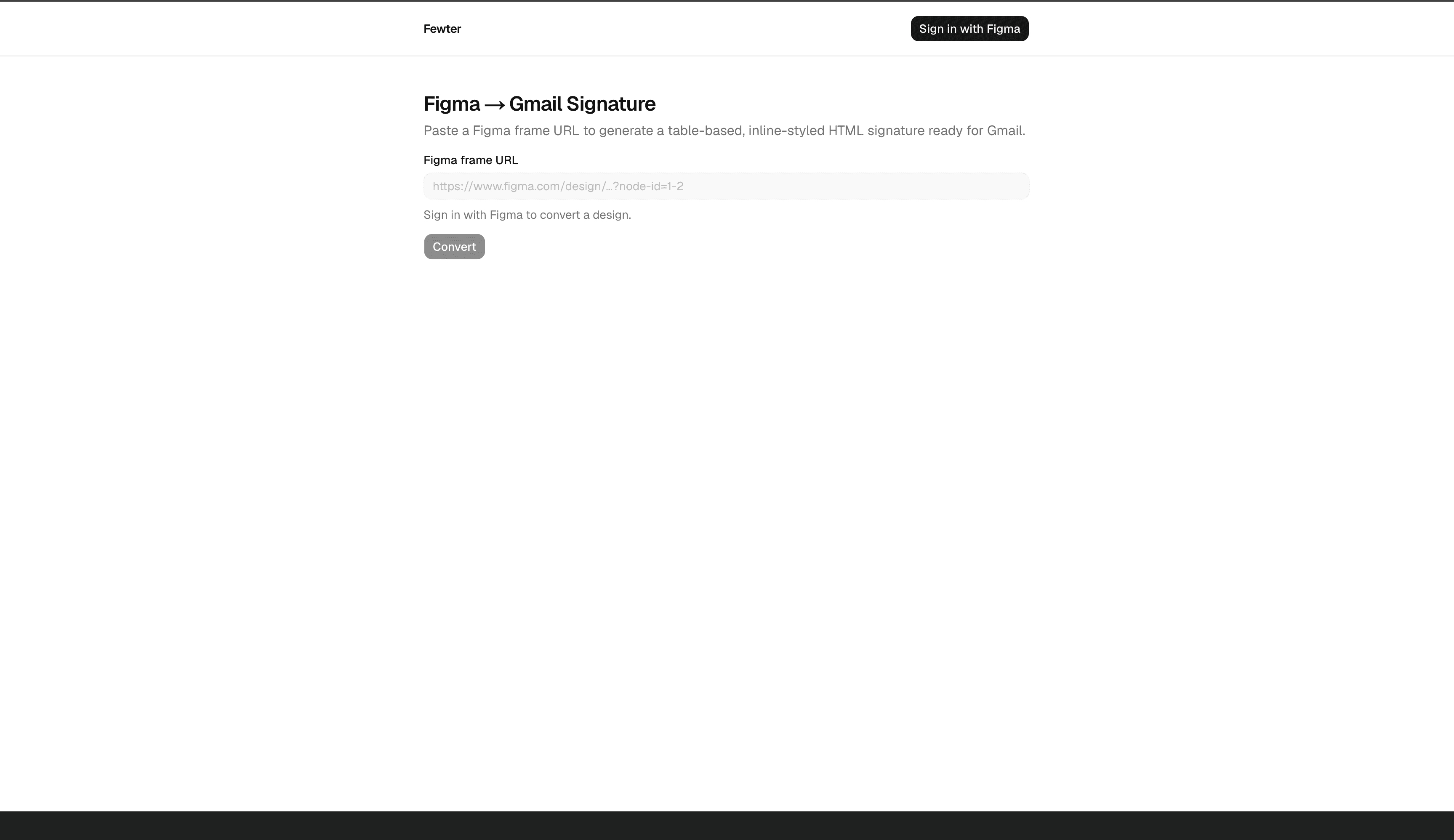
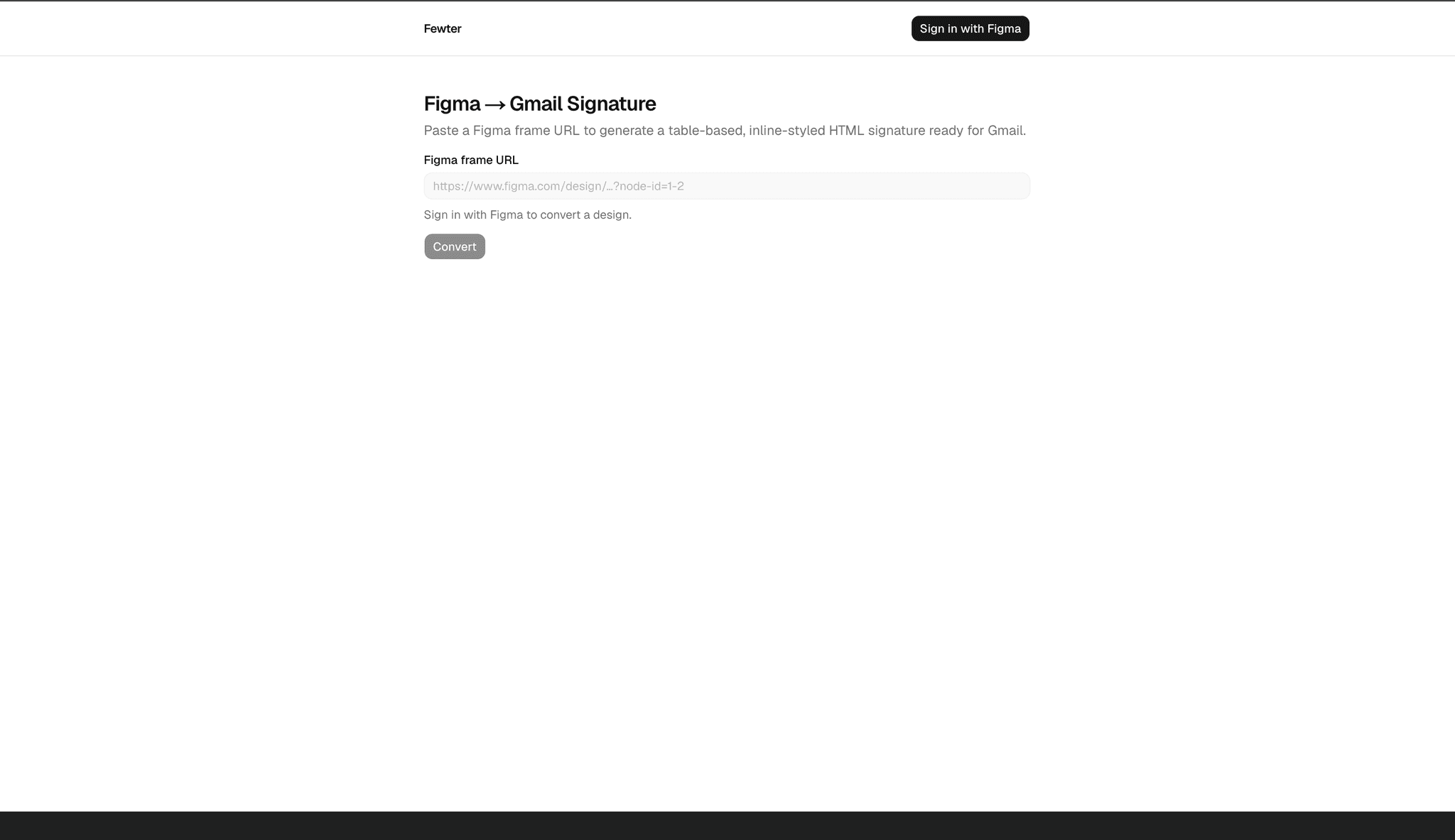
Convert Figma signature frames into Gmail-ready HTML with AI refinement.
MarTech · Founder · 1 month · Team of 1
Problem
Email signatures designed in Figma look correct in the design file but cannot be pasted into Gmail as-is. Gmail strips flexbox, grid, <style> blocks, SVG, and base64 images — it expects nested <table> layout with inline style="" attributes and stable https:// image URLs. Teams either hand-code signatures from scratch (hours per design iteration) or use generic templates that do not match brand layouts. Figma's own export URLs expire, so even a manually built HTML file breaks when image links rot.
Context
The target workflow is a marketing or design team that already maintains signature frames in Figma — often with logos, social icons, and contact details laid out precisely. Gmail is the primary client constraint; other email clients share similar table-and-inline-CSS limitations. Fewter assumes the user owns or can view the Figma file and has imgbb and Gemini API keys for server-side image hosting and HTML generation. The product is intentionally scoped: one frame in, one signature fragment out — no team management, no template library, no bulk export.
Strategy
- Authenticated Figma access — Auth.js v5 with the Figma OAuth provider (PKCE, token refresh) so the server can read file content and export images on the user's behalf.
- Asset durability — Walk the frame subtree, discover up to 20 raster assets, download from Figma, and upload to imgbb for permanent CDN URLs before any HTML is generated.
- AI-first HTML generation — Send a trimmed node tree, asset map, and PNG screenshot to Gemini (
gemini-2.5-flash) with a strict system prompt enforcing table layout, inline CSS, and Gmail-safe tags; validate and sanitize model output before returning it. - Human-in-the-loop refinement — A streaming chat panel applies incremental edits to the current HTML (preserving imgbb URLs) with client-side undo — no second conversion pass required.
The copy step writes both text/html and text/plain to the clipboard so Gmail receives rendered content, not escaped tags.
Architecture
Web application — Next.js 16 App Router with React 19. A single-page converter (SignatureConverter) orchestrates URL input, progress UI, preview, chat, and copy. Route protection in Auth.js authorized callback gates only /api/convert and /api/chat; the landing page stays public.
Conversion pipeline (runConversion) — Four sequential stages surfaced to the UI:
- parse-url — Extract
fileKeyandnodeIdfrom standard and branch Figma URLs. - fetch-figma — Load frame node tree via Figma REST API; render a PNG screenshot for multimodal context.
- upload-assets — Discover node renders and image fills; upload each to imgbb; build an
assetMapkeyed by Figma node id orimageRef. - generate-html — Gemini multimodal
generateTextwith system prompt → extract HTML fragment →validateAndSanitizeHtml.
Refinement chat — POST /api/chat streams Gemini responses with the current HTML and asset map injected into the system prompt. Client-side onFinish extracts table HTML, re-validates, and pushes prior HTML onto an undo stack.
HTML validation — validateAndSanitizeHtml strips forbidden tags (script, style, svg, etc.), event handlers, javascript: URLs, and data URIs; verifies image src values against the imgbb allowlist and href schemes (https, mailto, tel).
Execution
Sign-in and conversion
- Figma OAuth with
file_content:readandfile_metadata:readscopes; automatic access token refresh - Paste a frame URL with
node-idquery parameter; branch URLs supported - Simulated four-step progress bar during the single POST request (~10–30 seconds typical)
- Structured error responses per pipeline stage (access denied, asset limit, upload failure, empty HTML)
Asset handling
- Walk visible nodes; collect vectors, components, instances, and image fills
- Hard cap of 20 exportable images per conversion
- imgbb upload on the server only — API key never exposed to the browser
Preview and copy
- Toggle preview width between 600px (desktop) and 320px (mobile)
- Sandboxed iframe renders the signature with clickable links
- Collapsible HTML source view for debugging
- Copy for Gmail writes
ClipboardItemwith both HTML and plain-text fallbacks; manual select-and-copy fallback when clipboard API is blocked
AI refinement
- Streaming chat via Vercel AI SDK
@ai-sdk/react - Quick prompts: "Make the text larger", "Add a phone link", "Fix alignment"
- Undo reverts to previous HTML without another API call
- Assistant responses containing
<table>update the preview; conversational replies display as text
Gmail compatibility rules enforced in prompts and validation
- Nested
<table>layout only — no flexbox, grid, or layout<div>s - Inline
style=""only — no classes, no<style>blocks <img>with explicit dimensions and imgbb-hostedsrc- Web-safe font fallbacks (
Arial, Helvetica, sans-serif) - ~600px max width on outermost table
Challenges
Gmail HTML constraints — Modern CSS that works in Figma and browsers fails silently in Gmail. The system prompt and post-generation validator must agree on what is allowed; model output occasionally includes forbidden tags or data URIs that need stripping with user-visible warnings.
Temporary Figma image URLs — Figma export links expire. The pipeline must download and re-host every asset before HTML generation, or signatures break days after paste.
Multimodal fidelity — Gemini sees both structured JSON (trimmed node tree) and a PNG screenshot. Complex effects (blur, shadows, gradients) simplify to solid colors; the prompt explicitly tells the model to match the screenshot within email constraints.
AI output extraction — Models sometimes wrap HTML in markdown fences or add prose. extractHtmlFromResponse pulls the <table> fragment; empty or non-table output fails the pipeline with a clear error.
Clipboard API variance — Safari and locked-down browsers block rich clipboard writes. The copy button falls back to instructing the user to select the rendered preview manually.
Session and token lifecycle — Figma access tokens expire mid-session. Auth.js refreshes tokens in the JWT callback; expired refresh tokens surface a session error on convert/chat routes.
Solution
A single server-side pipeline (runConversion) keeps Figma credentials and imgbb keys off the client. The Gemini system prompt encodes non-negotiable Gmail rules so the model generates table fragments from the start rather than requiring a full CSS rewrite pass. validateAndSanitizeHtml acts as a defense-in-depth layer regardless of prompt compliance.
Chat refinement injects the current HTML and asset map into every request so the model applies surgical edits — "make the name bolder" — without redesigning the entire signature or dropping imgbb URLs. Client-side HTML history enables undo without re-fetching Figma or re-uploading assets.
The preview iframe at 600px matches typical email signature width, giving designers confidence before paste. Dual-format clipboard copy bridges the gap between raw HTML (useless in Gmail's rich editor) and rendered content Gmail expects.
Measurable impact
- Replace manual HTML coding — Designers paste a Figma URL instead of hand-building nested tables and inline styles for each signature iteration.
- Cut conversion time from hours to minutes — Full pipeline (fetch, re-host, generate) completes in under five minutes including optional chat refinements.
- Stable image hosting — imgbb CDN URLs survive beyond Figma's temporary export links, so pasted signatures keep working.
- Iterate without re-conversion — AI chat and undo let teams tune spacing, links, and typography without restarting the Figma fetch pipeline.
- Gmail-safe output by default — Validation strips forbidden tags and unapproved image sources before copy, reducing paste-and-debug cycles in Gmail Settings.
Tech & infrastructure
Tech Stack
Infrastructure
Integrations
Gallery